 PODspy

Jigsaw puzzle design asks you to think about an image twice: as a finished picture and as small fragments someone will sort. A striking illustration can contain long stretches of nearly identical color, while a detailed scene can become a jumble at print size. This guide develops a plant-market scene with distinct landmarks, gives you a repeatable artwork review, and shows why the image on the box needs its own check.
The creative shortcut
- Plan several recognizable regions so the picture offers clues beyond its main subject.
- Review the whole composition and smaller areas; piece count alone does not establish difficulty.
- Prepare the puzzle art and packaging image deliberately, using the exact supplier templates and an approved physical sample.
Choose the experience and product together
Describe who you are designing for and what they should enjoy about the image. For this example, the brief is a colorful plant market with several places to start sorting, intended for someone who likes illustrated scenes. That direction is more useful than labeling an untested image easy or hard.
Choose the exact puzzle product before finishing the art. Printify’s catalog includes different families with different sizes, piece counts and containers. A 500-piece option and a 520-piece option can belong to different products; treat each offered version as its own specification.
Record the finished dimensions, orientation, piece count, available cut information, surface finish, upload requirements and packaging-image options. Read the current product page and download its template. Keep the illustration decisions separate from choices the manufacturer controls.
More pieces do not supply a complete difficulty rating. Image repetition, small details and the actual cut also affect the experience. Describe the visible artwork and offered piece count accurately, then use a sample to learn how that combination works.
Give different parts of the scene different identities
The plant-market plan uses four strong landmarks: a coral striped awning at the upper left, a teal greenhouse at the upper right, yellow lemons at the lower left and a blue watering can at the lower right. A pale winding path connects them. Each landmark has a different color, silhouette or line direction.
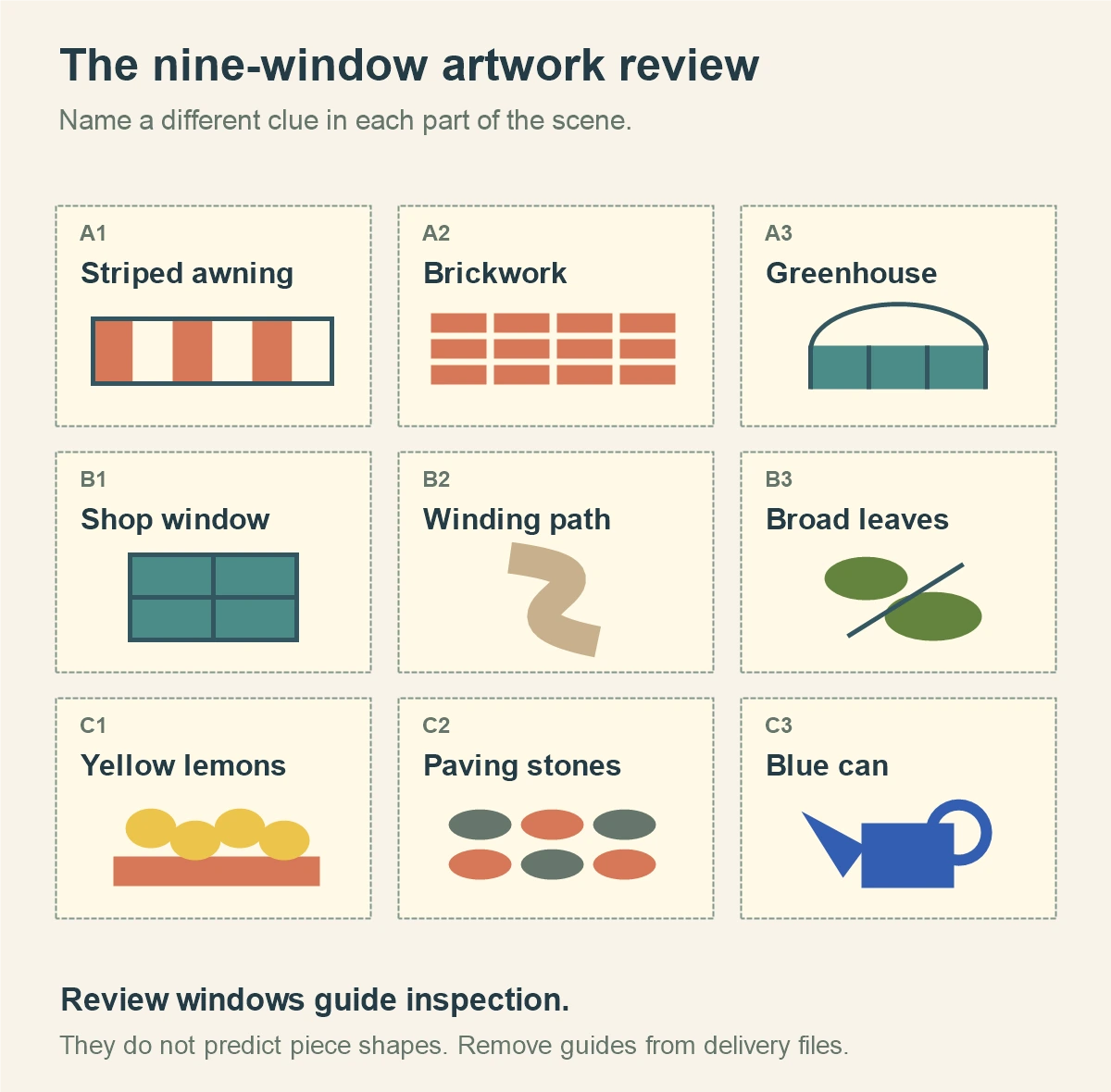
Add secondary clues that belong to the setting: brickwork, window frames, flower heads, pot rims and paving stones. Keep their arrangement varied. Repeating the same pot, leaf cluster and spacing throughout the image can make distant parts look interchangeable.
Carry useful detail toward the edges while following the template’s safety rules. A narrow strip of the picture should offer more than one uninterrupted color where that suits your intended experience. Keep an essential object recognizable after the required crop.
The planning map names nine areas to inspect. It is an art-direction aid, not a prediction of where the printer will cut the pieces. The generated scene may place an object across more than one review window.
Review small areas as well as the whole picture
Keep an untouched master, then make a temporary review copy. Look at the complete image at the size it will appear in your listing. Check that the market still reads as one scene and that the four landmarks remain recognizable.
Add a temporary three-by-three grid in your editor. Inspect each window on its own and name the clues it contains. Try a more specific description than green plants: for example, broad split leaves beside a round blue rim, or thin fern fronds above a woven basket.
Compare windows that share a color. Ask what distinguishes their brightness, shapes, texture and direction. If two regions both contain small green leaves on a dark background, change a pot color, simplify one silhouette or introduce a clear structural edge.
In the example illustration, the blue can and yellow lemons are distinct anchors. The awning repeats stripes, several areas contain dense foliage, and the shop interior is relatively dark. Those areas deserve closer review at the intended print size. These observations describe the artwork; they do not establish how quickly someone can solve it.
Remove the grid from delivery files. A square-window review cannot reveal the actual cut, piece fit or printed finish. It helps you decide where to revise the art before investing in a physical sample.
Start the market illustration in PODspy
Open this brief in Generate Image, then select a landscape aspect ratio that suits your puzzle image area. The link fills the exact brief and leaves it editable. Generation waits for your explicit click.
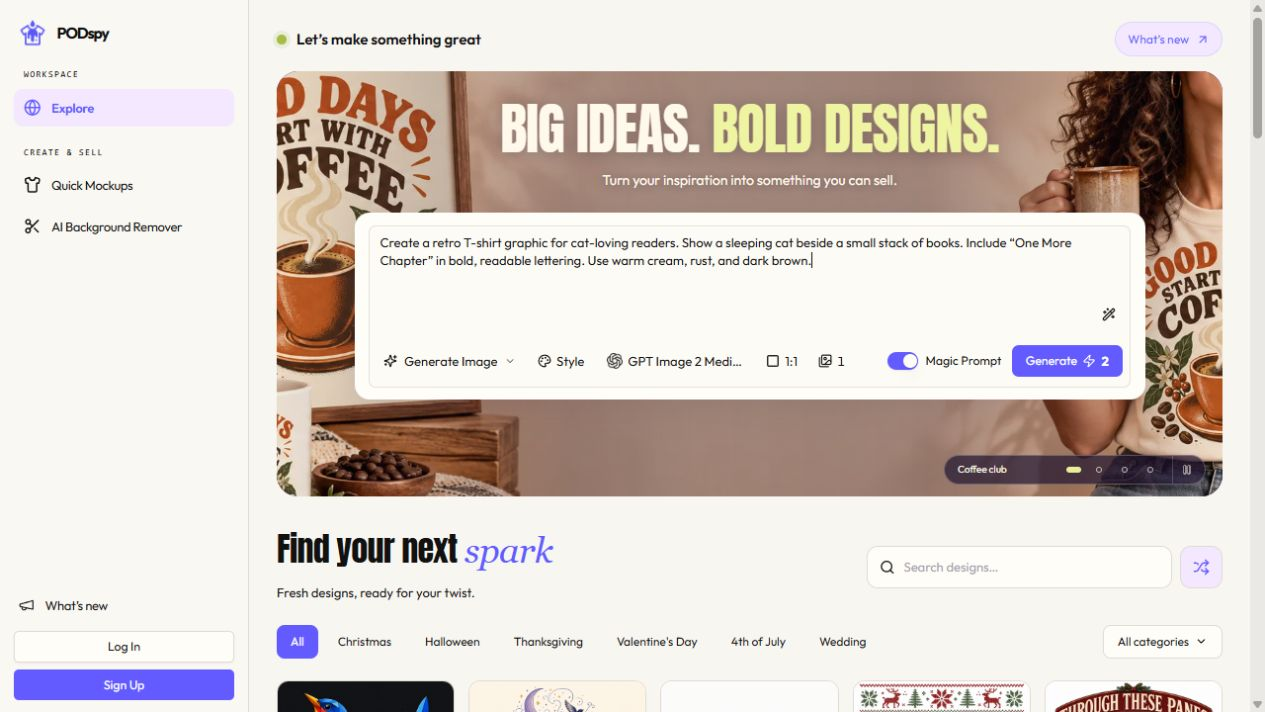
Review the result against your art plan. Check whether the watering can has a coherent handle and spout, whether plant and pot shapes make sense, and whether small marks resemble unwanted lettering. Keep a version you like before making a focused revision.
Use the prompt to explore the illustration, then prepare the approved image in the supplier’s template. The editorial artwork in this guide was generated for the exercise; it is not evidence of a printed sample or an approved production file.
Create flat landscape artwork of a small neighborhood plant market in a detailed gouache and colored-pencil style. Make one continuous scene with four distinct landmarks: a coral-and-cream striped awning at upper left, an arched teal greenhouse at upper right, a wooden crate of yellow lemons at lower left, and a clearly shaped ultramarine blue watering can with one handle and one spout at lower right. Connect the areas with a pale winding stone path. Add varied potted plants, brickwork, window frames and paving, keeping recognizable silhouettes and useful details toward the image edges. Give neighboring regions differences in color, brightness, texture and line direction. Keep the scene coherent with little empty sky. Artwork only. No words, signs, lettering, logos, people, border, puzzle pieces, cut lines, review grid, product mockup, watermark or crop marks.
Prepare the artwork for the chosen puzzle
Place the approved illustration in the exact product template and scale it proportionally. Check the awning, greenhouse, lemons and can against the visible crop. A new orientation or size can remove a landmark even when the image looked balanced in your master.
Follow the provider’s requested file dimensions, resolution, color settings and format. Check sharpness at the placed print size, especially in the dark shop and fine foliage. A larger export does not by itself create clear detail.
If the product asks for artwork only, supply the artwork without decorative jigsaw outlines. Keep review grids and working annotations on separate layers. Hide or remove template guides as the supplier instructs before exporting.
Reopen the exact export and check its dimensions, orientation, unwanted text and edge coverage. Keep the original illustration, editable layout and delivery file separately named so a working grid or an older crop cannot be mistaken for the approved version.
Check the box image as a separate view
The packaging image helps someone understand what they are assembling. Use the same approved illustration and inspect its crop separately. A newly generated variation could change a pot, plant or window, leaving the reference inconsistent with the puzzle.
Prodigi’s UK specification provides a useful example: its 500-piece puzzle measures 530 × 390 mm, while the tin-lid artwork is 1724 × 1169 pixels. Those proportions differ. Filling that wider lid with an image in the puzzle’s proportions would remove about 7.9% of its height overall, before considering template allowances.
Check whether that crop loses part of the awning or the foreground landmarks. Where the product allows it, a layout that preserves the complete reference image may be preferable to filling every edge. Follow the current lid template and preview; this calculation explains the ratio difference rather than defining the supplier’s final crop.
Ask how the reference image is created if the supplier generates it automatically. Check any included poster or insert as well. Do not stretch the illustration to make the puzzle and packaging share a file shape.
Use a physical sample to finish the review
Inspect the supplier preview for every version you plan to offer. Confirm the illustration, orientation, piece count and packaging image. Save the product identifier and approved filenames with your art plan.
Order and examine a physical sample before making claims about printed color, piece fit, surface finish or difficulty. Check whether the darker details remain visible, whether the main objects survive the crop, and whether the reference image matches.
Try assembling it, or invite someone from your intended audience to try it. Note which regions are enjoyable to sort and which become ambiguous. Separate an image issue, such as repeated dark foliage, from a manufacturing issue, such as an unclear fit. Revise the artwork or product choice based on what you actually observe.
Keep those notes with the approved production version. Your listing can then describe the real piece count, scene and format, with photographs that match the item. A successful digital composition review is a starting point for that evidence.


